Like the hardware, the
Galaxy S8’s software was also designed for one-handed use. TouchWiz is
as stock Android as Samsung can bring itself to be, with well
thought-out details that make for a great user experience.
It’s a lot more swipey than it was in previous years, even with the
camera app. You swipe across the shutter button to activate optical
zoom, and swipe up to turn the camera on yourself. You can also enable a
floating trigger button, so you can easily snap a shot while holding
the phone in landscape mode.
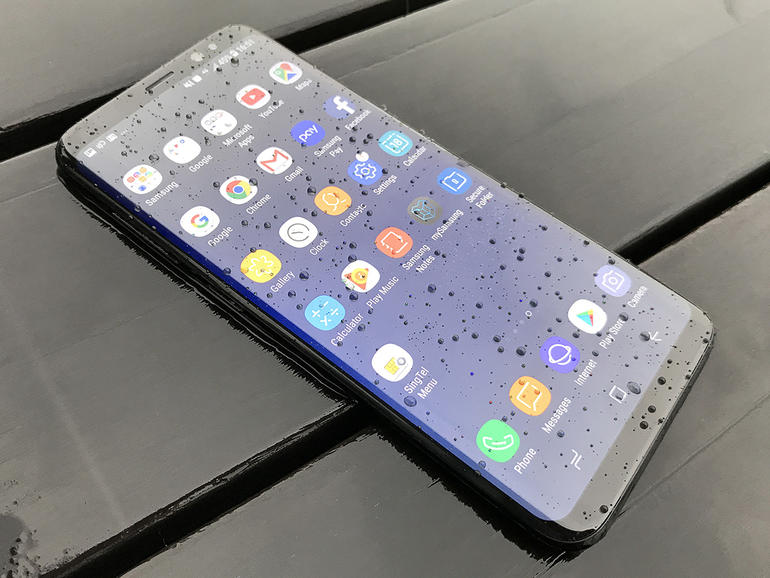
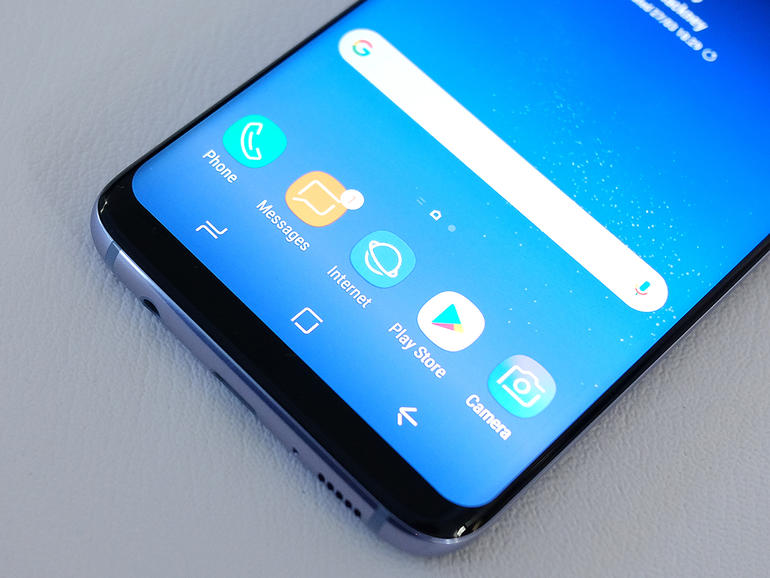
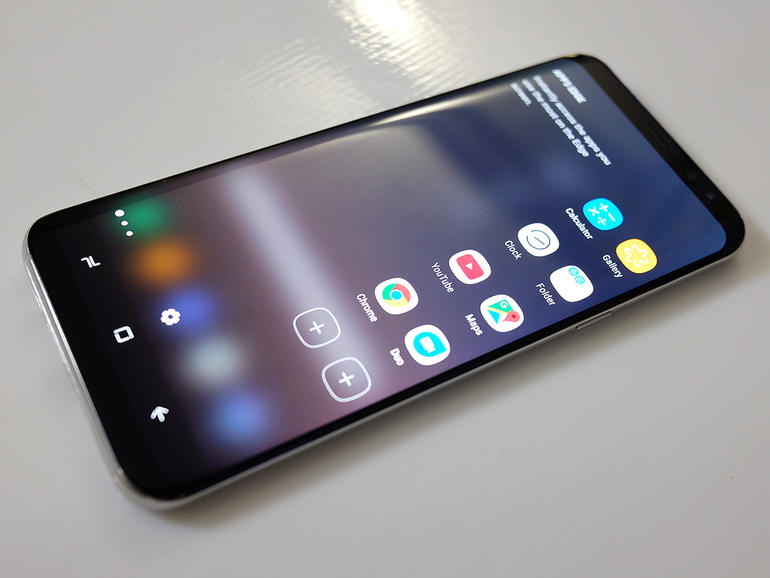
The new version of TouchWiz offers up streamlined simplicity, without
compromising on customisations that Android fans love. You can shove
all your apps into an app drawer or have it laid out like an iPhone - or
have both, if you want. You can turn off the app drawer icon in favour
of an upwards swipe anywhere on-screen, and you can finally swap the
Back and Recents buttons to match the rest of the Android world.
The always-on display makes a return, putting the most pertinent
information on the face of your S8, even when the screen is in standby.
Now you can also customise the colours of the clock face on the front -
it sounds like a minor detail, but will go a long way for people who
really like to tweak the phone’s look to their taste.
Multi-window is a nice extra feature that makes the most of the S8’s
tall screen, and goes beyond Android Nougat’s split-screen mode. You can
pin part of an app to the top, while using another app at the bottom.
Think having a WhatsApp conversation about dinner plans at the top,
while riffling through the internet to find the perfect pasta place and
immediately typing the details in.
And then there’s Bixby. This is Samsung’s version of Apple’s Siri or
Amazon’s Alexa, and it’s making its debut here. Or rather it sort of is -
because Samsung’s all-singing, all-dancing AI assistant isn’t exactly
singing or dancing just yet.
Once it’s fully grown up, Bixby will have three main talents: Bixby
Vision, which lets you use the camera to identify - and get information
about - real-world objects, Bixby Home, which is a sort of customised
news feed, and Bixby Voice, which will be your personal smartphone
assistant.
Voice is the big one - it’ll integrate with other apps to let you
control them through the power of speech, for instance launching YouTube
then searching for and playing a specific video. That’s not available
yet though, and we haven’t been told when it will arrive, so Bixby’s
early success rests on the other two. Vision, at least, is really good.
You summon Bixby’s all-knowing eye from within the Camera app, then
point your camera at an object to find out what it is. It’s kind of like
a Shazam for objects, and is pretty neat.
It’s a tad obsessed with wine, identifying the flat white I had for
breakfast as a bottle of Chablis, but image results turned up other
coffee cups just fine. When I used it on a bottle of white with a
raggedy label, it was able to identify the specific type and suggest
food pairings and taste notes courtesy of Vivino - an online wine
catalogue. Pretty useful if you want to impress a Tinder date.
Bixby Home is less of a big deal. It exists to the left of your home
screen and can be opened up with a press of the dedicated Bixby button
located just under the volume rocker.
All the information cards are customisable, letting you move sections
around and picking the information you want at a glance. Briefing
topics are powered by Flipboard, which should serve up a concise summary
of what’s happening around the world, but I wish Twitter would show me
the most recent Tweets instead of merely trending topics.
Reminders let you key in tasks and prompt you when you arrive at a
location, instead of at a specific time. It’s a step towards the S8
being an active helper, instead of passively observing as you melt down
over the tasks you’ve yet to carry out.
Until Voice arrives I don’t see Bixby as a major reason to buy the
S8, but there’s no harm to having it here, and it’ll only get better
from this point on.